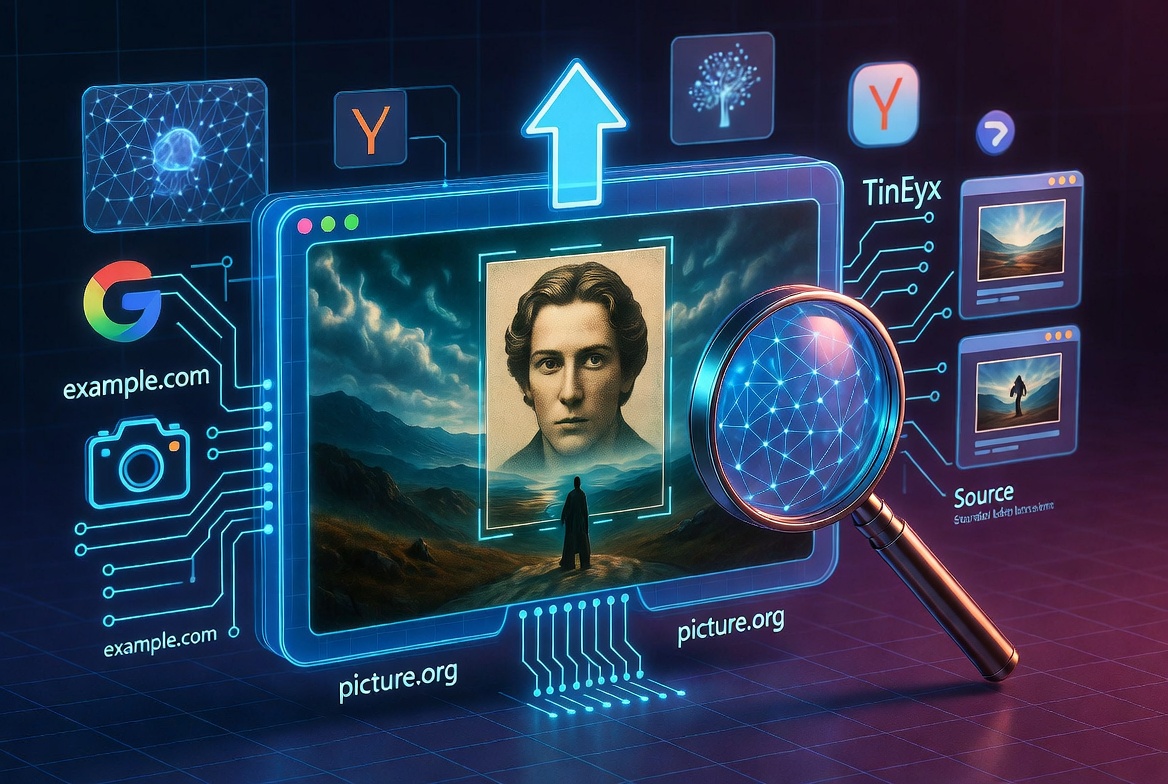
In a world where visual content dominates the internet, knowing how to trace an image back to its origin has become more important than ever. Reverse image search is one of the most powerful tools available today, allowing users to search using an image instead of text. Whether you are verifying a viral photo, checking for plagiarism, or simply trying to find similar visuals, this technology gives you instant access to deeper insights.
This comprehensive guide explores everything you need to know about reverse image search, how it works, why it matters, and how you can use it effectively in your daily digital activities.
Reverse Image Search Tool
Reverse Image Search Tool helps you search by image instead of words. You can upload an image from your device or paste a public image URL to find similar images, possible sources, copied versions, and related visual results online.
Reverse Image Search Tool
Find possible image sources and similar images using supported search engines.
What is Reverse Image Search Tool?
Reverse Image Search Tool is an online image lookup tool that helps you discover where an image may appear online. Instead of typing a keyword, you use an image file or image link as the search input.
How to use Reverse Image Search Tool
Upload an image from your local system or paste a public image URL into the tool. Then click the search button. The tool will help you open supported reverse image search options where you can check visually similar images and possible source pages.
Upload image from your device
You can upload an image file directly from your computer, phone, or tablet. This is useful when the image is saved on your device and does not already have a public URL.
Search using an image link
You can also paste a direct public image URL. This is useful when the image is already available online and you want to search for related results without downloading it first.
What can Reverse Image Search Tool help find?
This tool can help you look for similar images, possible original sources, copied images, image credits, duplicate visuals, and related pages where the image may appear.
Why use Reverse Image Search Tool?
Reverse image search is useful for checking image originality, finding image owners, discovering fake profiles, verifying visual content, finding better quality versions of an image, and checking whether your own images are being reused online.
Important note
No free tool can search every website on the internet by itself. Reverse image results depend on third-party search engines, indexed public pages, image availability, and whether the image can be matched visually online.
Frequently Asked Questions
Is Reverse Image Search Tool free?
Yes, this Reverse Image Search Tool is free to use with simple daily limits.
Can I upload an image from my computer?
Yes, you can upload an image from your local system if the tool upload option is available on the page.
Can I search using an image URL?
Yes, you can paste a public image link and use it for reverse image search.
Can it search every website?
No. It can help you check supported reverse image search sources, but no free tool can guarantee searching every website on the internet.
Does this tool store my image?
The tool should be designed to process uploaded images temporarily and avoid publishing them as normal website content. Avoid uploading sensitive private images.
What image formats are supported?
Common formats such as JPG, PNG, GIF, and WebP are usually supported, depending on the tool configuration.
Final Thoughts
Reverse Image Search Tool makes it easier to upload an image or paste an image link and investigate where that image may appear online.
What is Reverse Image Search
Reverse image search is a method that allows users to upload an image or paste an image URL into a search engine to find related information. Instead of typing keywords, the system analyzes the image itself and searches for matches or similar visuals across the internet.
This technique answers common questions like what is reverse image search and what is a reverse image search in a practical way. It is widely used for identifying objects, finding original sources, and verifying authenticity.
How Reverse Image Search Works
At its core, reverse image search relies on advanced algorithms and artificial intelligence. When you upload an image, the system breaks it down into components such as colors, shapes, patterns, and textures. These elements are then compared against a massive database of indexed images.
Modern tools use AI reverse image search technology, which enhances accuracy by recognizing objects, faces, landmarks, and even text within images. This is why reverse image search ai and ai reverse image search tools are becoming increasingly popular.
The process is fast, efficient, and incredibly powerful, often delivering results within seconds.
Why Reverse Image Search is Important
Reverse image search is not just a convenience. It is a necessity in today’s digital environment.
One of its most important uses is verifying authenticity. With the rise of misinformation and manipulated images, being able to confirm whether an image is real or altered is crucial. This tool helps users avoid falling for fake news or misleading visuals.
It also plays a major role in copyright protection. Photographers, designers, and content creators can use reverse image search to track where their images are being used online. This helps in identifying unauthorized usage and protecting intellectual property.
Another key benefit is discovering similar images. Whether you are a designer looking for inspiration or a marketer searching for visual trends, reverse image search helps you find relevant content quickly.
How to Use Reverse Image Search
Using reverse image search is simple and accessible to everyone.
On Desktop
You can use platforms like Google Images to perform a reverse image search. Upload your image or paste its URL, and the system will display matching results. This method is often referred to as reverse google image search or google image reverse search.
On Mobile
Mobile users can use tools like Google Lens to perform a search by image. Simply tap and hold an image or upload it through the app to begin the search. This is especially useful for quick lookups on the go.
This process answers common queries like how to reverse image search on iphone and how to do reverse image search easily.
Best Reverse Image Search Tools
There are several powerful tools available for reverse image search, each offering unique features.
Google Images is the most widely used platform, known for its vast database and quick results.
Yandex image search is another strong option, particularly effective for facial recognition and detailed matches.
TinEye reverse image search is ideal for tracking image usage and finding duplicates across websites.
PimEyes specializes in reverse face image search, making it useful for identifying individuals online.
Social Catfish is often used to verify identities and detect fake profiles, especially on social media platforms.
Labnol reverse image search provides a convenient way to search across multiple engines simultaneously.
Emerging tools like Lenso AI and CopySeeker use advanced AI algorithms to deliver more accurate and refined results.
Reverse Image Search for Social Media
Social media platforms are filled with images that may not always be authentic. Reverse image search instagram and reverse image search twitter tools allow users to verify profiles and detect fake accounts.
This is particularly useful in identifying catfishing attempts. Tools like catfish lens and social catfish help users confirm whether a profile picture is genuine or stolen.
Reverse image search person features also help in finding more information about individuals based on their images.
Reverse Video Search
While reverse image search focuses on images, reverse video search is an emerging technology that allows users to trace the origin of videos. Video reverse search tools analyze frames within a video to find matches online.
This is especially useful for verifying viral videos and identifying their original source.
Free Reverse Image Search Options
One of the best aspects of reverse image search is that many tools are completely free.
Free reverse image search platforms allow users to upload images without any cost. These tools provide powerful features that were once only available in premium software.
Free image search and reverse image search free tools make this technology accessible to everyone, regardless of technical expertise.
Reverse Image Search for SEO
Reverse image search seo is a valuable strategy for content creators and website owners.
It helps in identifying duplicate content, ensuring originality, and improving search engine rankings. By tracking where your images are used, you can build backlinks and increase your site’s authority.
Tools like google images search and reverse image search tool are essential for optimizing visual content.
Advanced Uses of Reverse Image Search
Reverse image search goes beyond basic functionality. It can be used for a variety of advanced purposes.
You can identify unknown objects or landmarks in a photo. This is useful for travelers and researchers.
It helps in finding higher resolution versions of images, which is beneficial for designers and content creators.
You can track the history of an image using tools like internet archive, gaining insights into how it has been used over time.
It also plays a role in online safety by helping users avoid scams and fraudulent activities.
Common Mistakes to Avoid
While reverse image search is powerful, there are some common mistakes users should avoid.
Uploading low-quality images can reduce accuracy. Clear, high-resolution images provide better results.
Relying on a single search engine may limit your findings. Using multiple platforms like yandex images and tineye can improve accuracy.
Ignoring AI tools can result in less precise matches. Modern ai reverse image search tools offer better performance.
Misspelling queries such as reverse image searcg can lead to confusion and poor results.
The Future of Reverse Image Search
The future of reverse image search is driven by artificial intelligence and machine learning. As technology advances, these tools will become even more accurate and capable.
We can expect improvements in facial recognition, object detection, and real-time search capabilities. Integration with augmented reality and mobile devices will make reverse image search even more accessible.
AI-powered tools will continue to evolve, providing deeper insights and faster results.
Explore more products and confessions
Follow Us On Social Media:
Linkedin
[ai tools online, free ai tools online, seo tools free online, free online seo tools, seo tools online free, online seo tools free, seo free tools online, online free seo tools, free seo tools online, free seo online tools, best free seo tools online, free online collaboration tools, free online project management tools, pdf24 tools, free wireframe tools online, google image, reverse image search google, reverse google image, google, google image search, reverse google search, google reverse search image, image search google reverse, google image reverse search, google image search reverse, image search google, google search image, reverse google image search, reverse google search image, google reverse, google reverse image, google search image reverse, image reverse search google, google reverse image search, google search, google image reverse, how to reverse image search, what is reverse image search, what is a reverse image search, free reverse image search, free image search, reverse image search free, reverse image search ai, ai reverse image search, yandex, reverse image search yandex, yandex image search, yandex reverse image search, how to reverse google image search, best reverse image search, lens, search by image, google lens, google lens reverse image search, photo search, tineye reverse image search, tineye, images, how to do reverse image search, reverse video search, video reverse search, reverse image search instagram, reverse face image search, face reverse image search, how to do a reverse image search on iphone, internet archive, google lens online, pim eyes, tinyeye, google lense, social catfish, ai image generator, lenso ai, catfishlens, labnol, reverse image searcg, reverse image search seo, depop, labnol reverse image search, reverse image search labnol, google photos, copyseeker, swindlerbuster, image lookup, rever, reverse image lookup, catfish lens, reverse image search twitter, reverse image search person, how to reverse search an image, google lens, pimeyes, lens, twitter reverse image search, google lens reverse image search, google images, reverse video search, reverse image search tool, yandex images, reverse image search google, ai detector, video reverse search, search by image, google image, google reverse search image, reverse image search instagram, reverse image search people, photo search, reverse.image search, google reverse image search iphone, google image search reverse, google images search, how to reverse image search on iphone, tineye reverse image search engine]