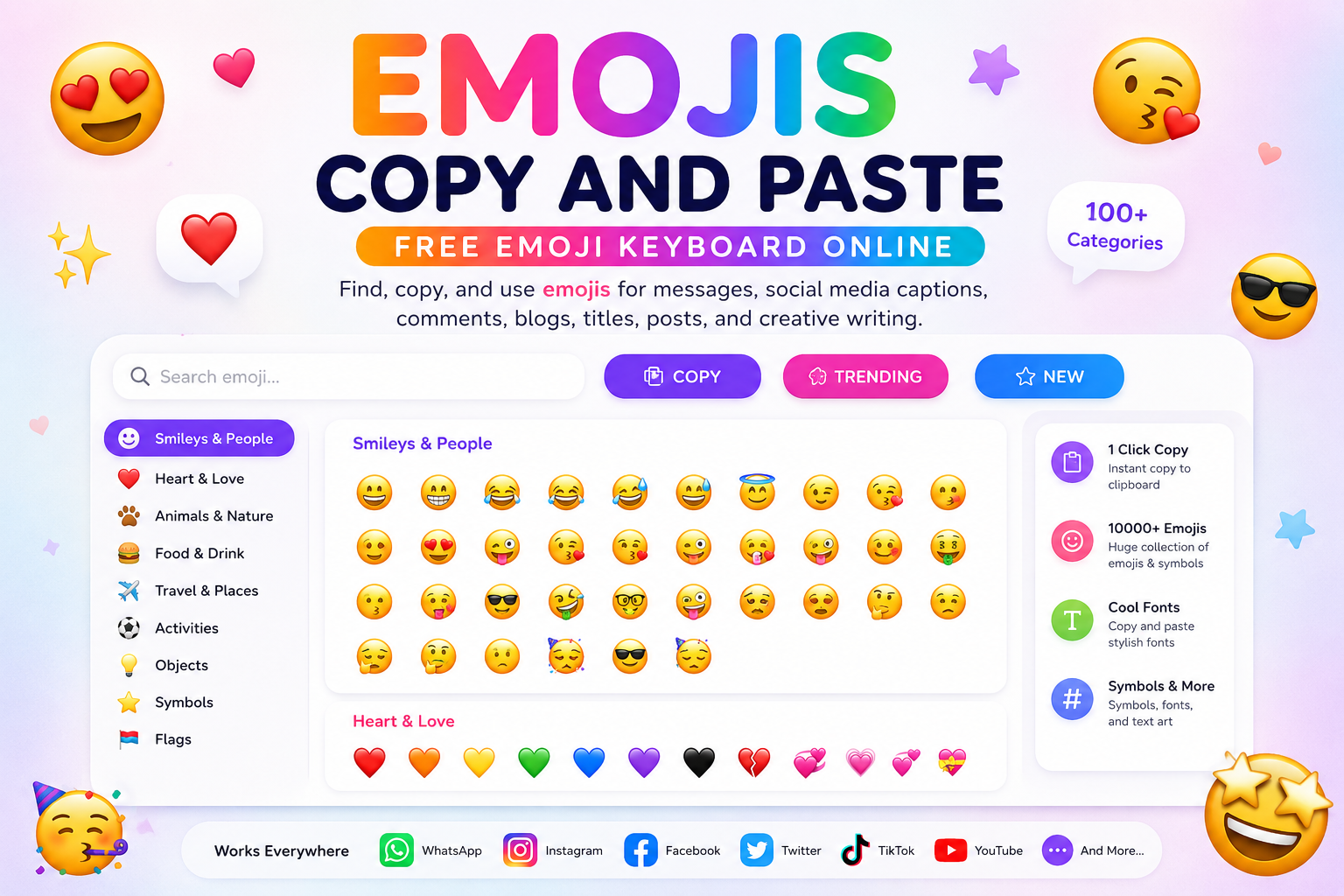
Emojis Copy and Paste helps you find, copy, and use emojis for messages, social media captions, comments, blogs, titles, posts, and creative writing.
Emojis Copy and Paste
Emojis Copy and Paste makes it easy to find the right emoji and copy it instantly for messages, social media captions, comments, blog posts, titles, emails, and creative writing.
Sometimes one emoji can say what plain words cannot. A smile, a broken heart, a fire symbol, a warning sign, or a laughing face can change the feeling of a message completely. This free emoji tool helps you quickly browse, select, and copy emojis without searching across different websites or apps.
Emojis Copy and Paste
Find and copy emojis for posts, messages, captions, and comments.
What is Emojis Copy and Paste?
Emojis Copy and Paste is a free online emoji keyboard that lets you browse emojis and copy them with one click. You can use emojis in WhatsApp messages, Instagram captions, Facebook posts, YouTube comments, blog titles, tweets, emails, and website content.
The purpose of this tool is simple. You find the emoji you want, copy it, and paste it wherever you need it.
How to use Emojis Copy and Paste
Using this emoji tool is very easy. Browse the available emojis, click the emoji you like, and copy it. Then paste it into your message, post, comment, title, or content editor.
You can use one emoji or combine multiple emojis to create a stronger expression.
Why use emojis?
Emojis help add emotion, tone, and personality to online communication. A simple sentence can feel friendly, funny, romantic, dramatic, sarcastic, sad, excited, or urgent depending on the emoji you add.
For creators, bloggers, and social media users, emojis can make content more noticeable and easier to connect with.
Popular emoji uses
You can use emojis for social media captions, reactions, comments, short messages, usernames, status updates, blog headings, newsletters, thumbnails, calls to action, and storytelling content.
For example, a fire emoji can show excitement, a heart emoji can show love, a warning emoji can show urgency, and a laughing emoji can show humor.
Emojis for social media
Emojis Copy and Paste is especially useful for social media posts. Instagram, Facebook, X, YouTube, WhatsApp, Telegram, LinkedIn, and Pinterest all support emojis, but the way emojis appear can vary by device and platform.
Use emojis naturally. Too many emojis can make content look messy, but the right emojis can make your post more expressive.
Emojis for blog posts and website content
Bloggers and website owners can use emojis in headings, callout sections, bullet points, social share text, and promotional messages. Emojis can help break long text and guide the reader’s attention.
However, for professional pages, use emojis carefully. They should support the message, not distract from it.
Emojis for messages and comments
Emojis are useful in personal messages, comments, replies, and chat conversations. They help show tone so your message does not feel cold or confusing.
A short reply like “okay” can feel plain, but “okay 😊” feels warmer and friendlier.
Emoji categories
A good emoji tool may include smileys, people, hearts, animals, food, travel, objects, symbols, flags, weather, celebrations, arrows, warnings, and aesthetic emojis.
This makes it easier to find the right emoji for your exact mood or purpose.
Do emojis look the same everywhere?
No. Emojis may look slightly different on Android, iPhone, Windows, Mac, Chrome, Firefox, Instagram, Facebook, WhatsApp, and other platforms.
The meaning usually stays similar, but the design can change depending on the device or app.
Best practices for using emojis
Use emojis only where they add meaning. Do not overload titles, captions, or paragraphs with too many symbols. Choose emojis that match the emotion of your message.
For SEO and website content, emojis can be useful in moderation, but your main content should still be clear and readable.
Important note
Emoji appearance depends on the user’s device, browser, operating system, and app. Some older devices may not support newer emojis properly.
Frequently Asked Questions
Is Emojis Copy and Paste free?
Yes, this Emojis Copy and Paste tool is free to use.
Can I use emojis on Instagram?
Yes, you can copy emojis and paste them into Instagram captions, bios, comments, and messages.
Can I use emojis on Facebook?
Yes, emojis can be used in Facebook posts, comments, pages, groups, and messages.
Can I use emojis in blog titles?
Yes, but use them carefully. Emojis can make titles more noticeable, but too many emojis may look unprofessional.
Do emojis affect SEO?
Emojis do not replace SEO text. They may help with visual attention, but your title, headings, and content should still use clear words and relevant keywords.
Why do emojis look different on my phone?
Different devices and platforms use different emoji designs. An emoji may look slightly different on Android, iPhone, Windows, or social media apps.
Can I copy multiple emojis?
Yes, you can copy and paste multiple emojis together if the tool supports it or by selecting them manually.
Are emojis safe to use?
Yes, emojis are generally safe text characters. However, avoid using confusing or misleading emoji combinations in professional content.
Final Thoughts
Emojis Copy and Paste helps you add emotion, style, and personality to your online communication. Whether you are writing a message, caption, blog post, comment, or social media update, the right emoji can make your words feel more alive.
Use this free emoji tool to quickly find, copy, and paste emojis whenever your words need extra expression.
What is Emojis Copy and Paste
Emojis Copy and Paste is a simple yet powerful tool that lets you browse emojis and copy them with a single click. Instead of switching keyboards or apps, you can instantly grab any emoji and paste it anywhere.
From emoji copy and paste to emojis to copy and paste, this tool is designed for speed, simplicity, and creativity.
Why Use Emojis Copy and Paste
Using emojis has become essential in digital communication. With this tool, you can:
Save time with instant emoji access
Enhance messages and captions
Express emotions visually
Create eye-catching social media posts
Add personality to blogs and content
From cute emojis to cool emojis copy and paste, everything is available in one place.
Categories of Emojis You Can Use
Cute Emojis Copy and Paste
Perfect for friendly chats and adorable captions. Cute emojis and kawaii emojis copy and paste are widely used for fun and expressive communication.
Heart Emojis and Love Emojis
Heart emojis copy and paste and love emojis copy and paste are ideal for romantic messages and emotional expression. From heart emoji to heart copy and paste, you’ll find every variation.
Aesthetic Emojis Copy and Paste
Aesthetic emojis copy and paste help you design visually appealing bios, captions, and posts.
Cool and Weird Emojis
Cool emojis copy and paste and weird emojis copy and paste are great for standing out and adding personality.
iPhone and iOS Emojis
Use iphone emojis copy and paste and ios emojis copy and paste to match Apple-style emoji designs.
New and Custom Emojis
Stay updated with new emojis copy and paste and explore custom emojis copy and paste for unique content.
Beyond Emojis: Symbols and Fonts
This tool isn’t limited to emojis. You can also access:
Copy and paste symbols
Symbols copy and paste for creative text
Font copy and paste for stylish writing
Fonts copy paste for social media bios
Font generator tools to create unique text styles
From copy and paste fonts to text emojis copy and paste, everything is designed to enhance your creativity.
Keyboard Emojis Copy and Paste
With keyboard emojis copy and paste, you get a full emoji keyboard experience online. No downloads, no installations. Just click, copy, and paste instantly.
10000+ Emojis at Your Fingertips
Explore 10000 emojis copy and paste in one place. From basic expressions to rare and unique designs, this tool ensures you never run out of options.
How to Use Emojis Copy and Paste
Using this tool is simple:
Browse through emoji categories
Click on any emoji
Copy instantly
Paste anywhere you want
It works perfectly for social media, chats, blogs, and creative writing.
Perfect for Content Creators
If you run a blog, website, or social media page, using emojis can boost engagement. Emojis make content more relatable, visually appealing, and interactive.
From heart emojis to aesthetic emojis copy and paste, adding the right emoji can completely change how your content feels.
Final Thoughts
Emojis Copy and Paste is more than just a tool. It is your complete emoji library, font generator, and symbol collection in one place. Whether you want cute emojis, love emojis, keyboard emojis, or stylish fonts, everything is just one click away.
Start using emojis copy and paste today and transform the way you communicate online.
Explore more products and confessions
Follow Us On Social Media:
Linkedin
[ai tools online, free ai tools online, seo tools free online, free online seo tools, seo tools online free, online seo tools free, seo free tools online, online free seo tools, free seo tools online, free seo online tools, best free seo tools online, free online collaboration tools, free online project management tools, pdf24 tools, free wireframe tools online, emojis copy and paste, emoji, emoji copy and paste, emojis to copy and paste, cute copy and paste emojis, cute emojis, cute emojis copy and paste, iphone emojis copy and paste, copy and paste symbols, font copy and paste, heart emojis copy and paste, text emojis copy and paste, heart emojis, copy and paste fonts, heart copy and paste, fonts, symbols copy and paste, fonts copy paste, aesthetic emojis copy and paste, font, love emojis copy and paste, all emojis copy and paste, keyboard emojis copy and paste, heart emoji, new emojis copy and paste, ios emojis copy and paste, cool emojis copy and paste, 10000 emojis copy and paste, custom emojis copy and paste, kawaii emojis copy and paste, weird emojis copy and paste, font generator]