
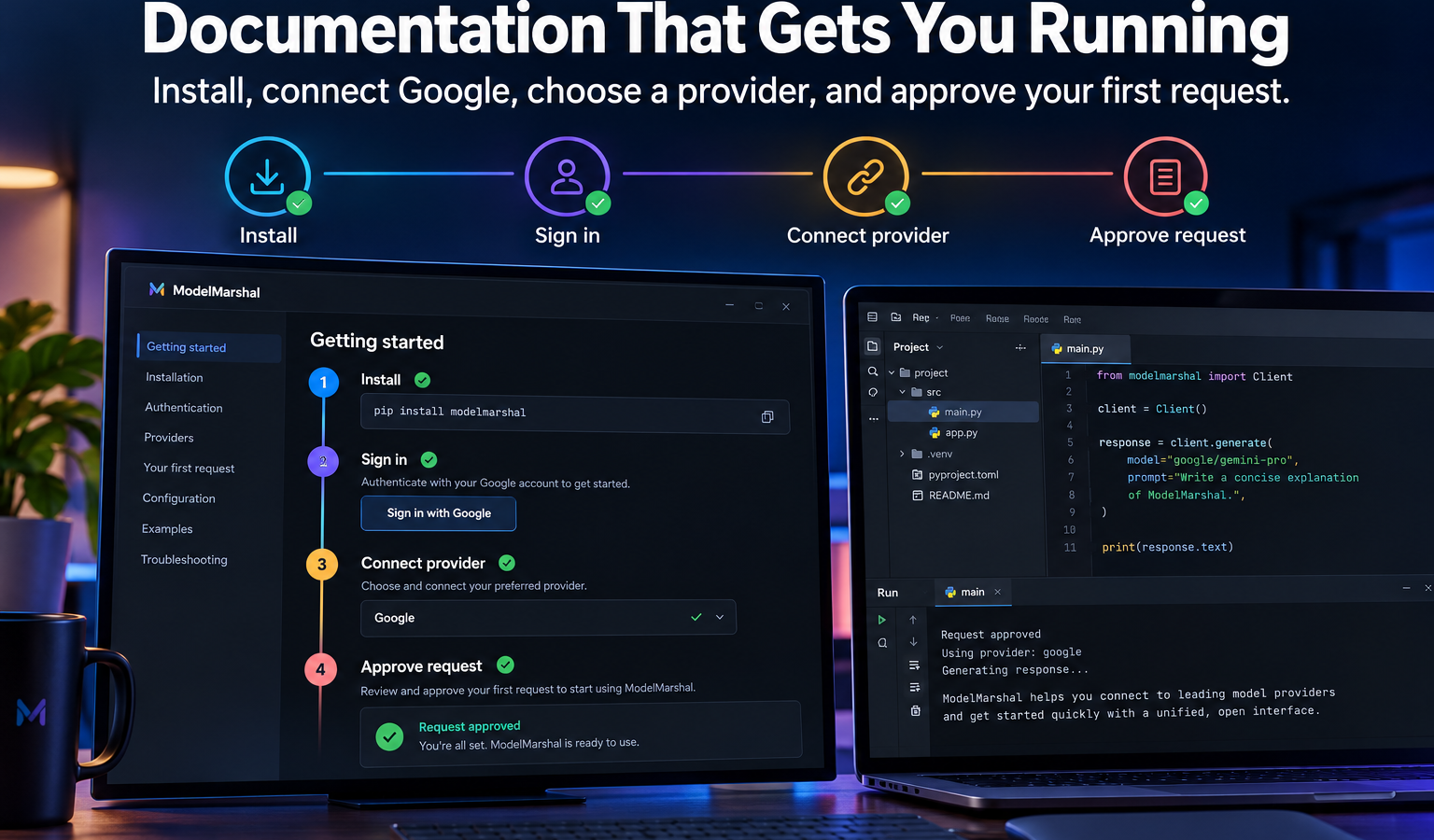
System requirements: ModelMarshal Documentation
- A compatible IntelliJ Platform-based IDE.
- A Google account for authentication.
- A local Ollama-compatible service or credentials for an OpenAI-compatible model provider.
Install ModelMarshal
- Open your JetBrains IDE.
- Go to Settings/Preferences → Plugins → Marketplace.
- Search for ModelMarshal.
- Select Install.
- Restart the IDE when requested.
- Open View → Tool Windows → ModelMarshal.
Configure Google sign-in
- Open Settings/Preferences → Tools → ModelMarshal.
- Configure the Google Desktop OAuth settings requested by the installed release.
- Select Sign in with Google.
- Complete authentication in your browser.
- Return to the IDE and confirm that your account appears as connected.
Configure a local model
- Install and start Ollama or another compatible local service.
- Use the default endpoint:
http://127.0.0.1:11434/v1 - Enter the name of a model installed on your computer.
- Select Test Connection.
- Confirm that the connection test succeeds.
Configure an external provider
- Open ModelMarshal settings.
- Enter the provider’s OpenAI-compatible endpoint.
- Enter the model name and API credential.
- Select Test Connection.
- Review the provider’s terms, privacy policy, prices, and data-retention settings before sending code.
Run an AI request
- Open the Run tab.
- Describe the task you want the model to complete.
- Select the permitted context, such as the current selection or current file.
- Review the model, estimated cost, destination, context, and requested permissions.
- Select Approve & Run.
- Review the response before using it.
- Open Traces to inspect the saved run receipt.
Cost estimates
Cost values are planning estimates based on the selected model and available pricing information. The external provider determines the final charge. ModelMarshal does not guarantee provider prices and does not add its own model-usage fee.
Security recommendations
- Use a local model for sensitive or restricted projects.
- Review every selected context before approving transmission.
- Never include passwords, private keys, tokens, or credentials.
- Keep provider credentials in ModelMarshal’s secure settings.
- Review AI-generated output before using it in production.