
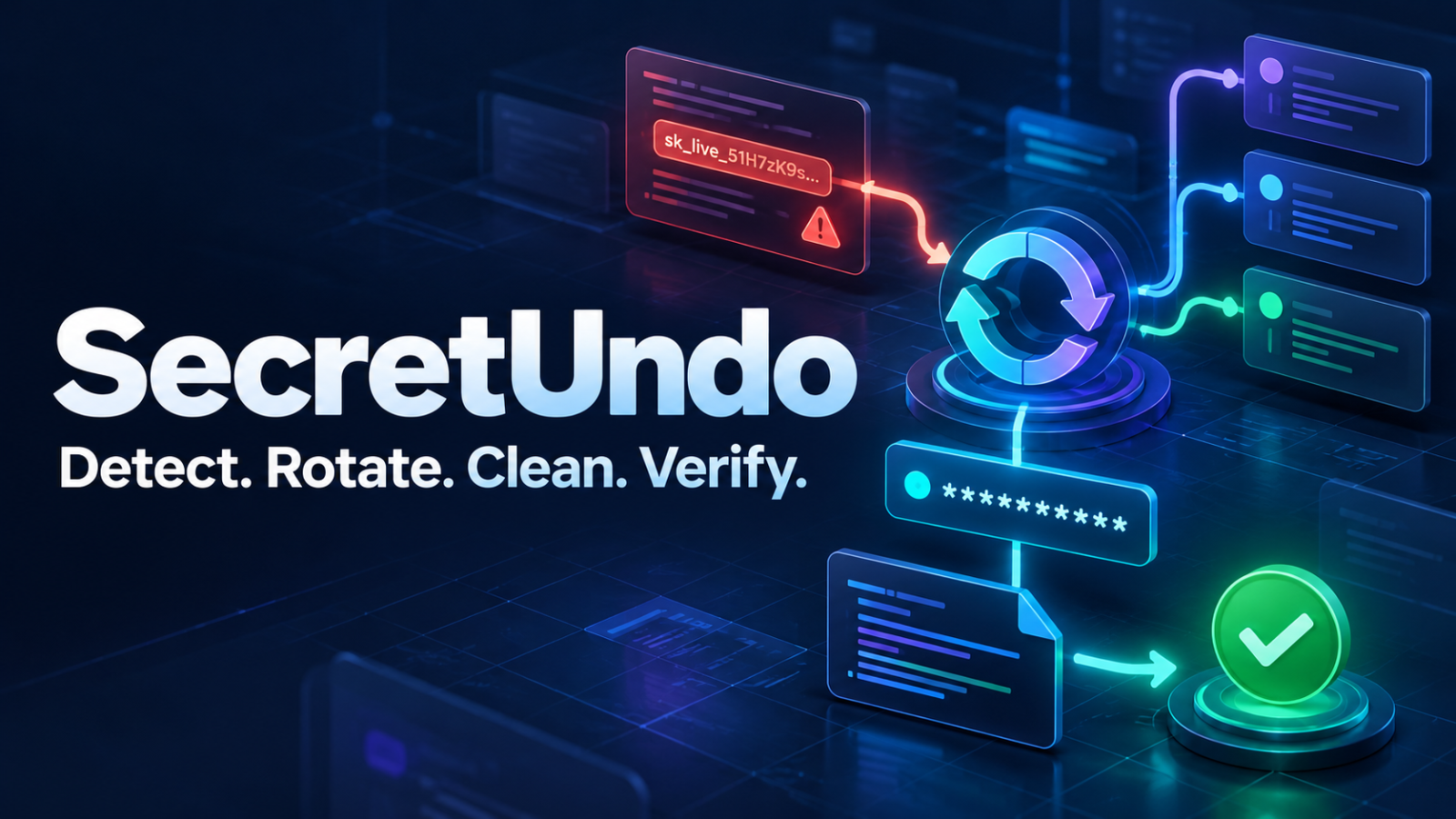
SecretUndo: One exposed API key can turn an ordinary development mistake into an expensive security incident. A developer copies a credential into a configuration file, commits the change, and realizes what happened only after the code reaches GitHub. An alert may appear quickly, but the difficult work has only started. Someone must identify the credential, determine whether it is active, find its owner, discover every place it is used, rotate it without breaking production, remove it from current code, decide whether Git history needs cleaning, and confirm that the old credential no longer works.
Most secret-scanning products are built around detection. They are excellent at raising an alarm, yet an alarm is not the same as a completed repair. Teams are often left with a notification, several documentation links, and a stressful manual process involving developers, security engineers, platform owners, and cloud administrators.
SecretUndo is designed around a different idea: a leaked credential is not fixed until the old one is dead.
SecretUndo is a remediation-first security application for GitHub teams. It brings detection, ownership discovery, duplicate consolidation, safe rotation planning, code cleanup, history-cleanup guidance, and revocation verification into one controlled workflow. Instead of producing another disconnected alert, it helps teams move from exposure to evidence-backed resolution.
The Problem With Stopping at Detection
Secret detection is necessary, but it answers only the first question: “Does this code appear to contain a credential?” A responsible response must answer several more questions immediately.
Is the credential still active? Which provider issued it? Is it connected to a production environment, a test account, or an abandoned service? Who owns the affected system? Is the same value present in another branch, fork, mirror, or repository? What will stop working if the credential is revoked? Can a replacement be introduced before the old credential is disabled? Has the exposed value already been copied outside GitHub?
These questions explain why remediation often takes much longer than detection. The safest order of operations also matters. Removing a key from a file does not make the key harmless. Rewriting Git history does not revoke copies that may already exist. The credential must normally be rotated or revoked first, dependent systems must be updated, and only then should the team clean code and consider history rewriting.
SecretUndo makes that sequence visible and actionable.
One Calm Workflow From Exposure to Proof
SecretUndo organizes remediation into five clear stages: Detect, Map, Rotate, Clean, and Verify. Each stage has a distinct purpose, defined safety checks, and a visible outcome.
1. Detect
The ideal time to catch a secret is before it leaves the developer’s computer. SecretUndo is designed to support local and pre-commit detection, along with pull-request, push, repository-history, and compatible security-report intake. A developer can stop an exposed credential before it reaches a remote repository, while the organization still receives enough redacted information to coordinate the response.
The hosted dashboard does not need the complete credential. It can work with the credential type, provider, masked suffix, repository context, severity, and a one-way organization-specific fingerprint. This local-first design reduces the risk of sending an already sensitive value into another cloud service.
2. Map
A single leaked credential can produce multiple alerts. It may appear in the main branch, a release branch, a documentation example, a fork, and a generated file. Treating every occurrence as a separate incident creates noise and wastes responder time.
SecretUndo uses an organization-scoped one-way fingerprint to consolidate matching occurrences into one incident. The incident command center can then show every known location, the likely provider, environmental clues, probable owner, duplicate count, and the safest next action.
Ownership suggestions can use repository context such as CODEOWNERS, commit history, service metadata, and recent changes. The objective is not to assign blame. It is to find the person or team best equipped to understand dependencies and approve a safe response.
3. Rotate
Credential rotation is where automation must be helpful without becoming reckless. Different providers expose different APIs, limitations, and recovery options. An AWS access key, a GitHub token, and a Stripe live key should never be handled as though they are interchangeable.
SecretUndo presents a provider-specific remediation plan before any provider-changing action occurs. The plan explains required permissions, affected environments, dependencies, proposed operations, expected risk, verification steps, and available rollback guidance. Production changes require explicit approval and fresh authentication.
The design is confirmation-gated rather than blindly autonomous. Detection may be automatic, but destructive or provider-changing operations should remain understandable and deliberate. Short-lived jobs, expiration times, idempotency controls, and customer-controlled execution help prevent accidental repetition or unauthorized use.
4. Clean
Once the credential has been rotated or revoked, SecretUndo helps remove the exposed value from the current codebase. A cleanup pull request can replace a hardcoded value with an environment-variable reference, improve ignore rules, add a safe example configuration, and document the remediation without repeating the credential.
Cleaning the current tree and rewriting repository history are treated as separate operations. History rewriting can affect branches, tags, forks, open pull requests, protected-branch rules, and every collaborator’s existing clone. SecretUndo therefore produces a repository-specific history plan rather than presenting a dangerous one-click force push.
The plan can include backup steps, collaborator communication, dry-run instructions, appropriate git-filter-repo commands, protected-branch coordination, force-push approval, re-clone guidance, and a final verification scan.
5. Verify
An incident should not close because someone clicked a button. It should close because the old credential has been proven unusable or the finding has received another documented outcome.
SecretUndo separates a verified result from an inconclusive one. If a provider is unavailable or a validation request times out, the credential is not marked as revoked. The incident remains open as “Verification needed.” When the provider confirms rejection of the old credential and the replacement passes its required checks, SecretUndo records redacted evidence and completes the remediation timeline.
This final step changes the conversation from “We think it is fixed” to “We can show what was changed, when it happened, who approved it, and how revocation was verified.”
A Command Center Built for Real Incidents
The SecretUndo interface is designed to remain understandable during a high-pressure event. The overview dashboard highlights active incidents, credentials requiring action, median time to revoke, protected repositories, provider health, and remediation progress. Every metric leads to a relevant filtered view rather than a decorative report.
The incident inbox organizes findings by severity, provider, masked identifier, repository, owner, environment, age, duplicate count, status, and next action. Search and filters help responders focus on production exposure, active credentials, or incidents waiting for approval.
Opening an incident reveals six complete areas: Summary, Blast Radius, Rotate, Clean Code, Clean History, and Evidence. The user can understand the exposure, review dependencies, approve the next step, inspect a proposed patch, download a history plan, and export the evidence trail without jumping between unrelated systems.
Meaningful empty states are part of the experience. A repository with no active findings should show coverage, last scan time, connection health, and a safe canary test. It should never display an empty panel that leaves the user wondering whether protection is working.
Security Without Collecting More Secrets
SecretUndo is designed around a straightforward trust principle: the hosted control plane should not become a warehouse of customer credentials.
Raw detected values should remain inside the local process or customer-controlled runner. Provider credentials used for validation or rotation should remain in the customer’s environment or provider-native secret store. The hosted service receives redacted metadata, workflow status, audit events, and verification evidence that cannot be used as the original credential.
GitHub access should use a GitHub App with repository-specific permissions rather than a broad personal access token. Installations can be limited to selected repositories, and short-lived installation tokens can be generated when an API operation is required. Every permission should be explained in plain language.
Webhook deliveries should be authenticated, deduplicated, and processed using the minimum data needed. Logs should use strict allowlists that exclude authorization headers, cookies, environment variables, query-string secrets, source snippets, and unknown fields. Cross-organization authorization checks must apply to every record and operation.
No security tool can promise perfect detection or zero risk. SecretUndo’s goal is more practical: reduce unnecessary exposure, make dangerous actions deliberate, preserve evidence, and tell the truth when verification is incomplete.
Google Sign-In and Controlled Access
SecretUndo uses Google sign-in as the mandatory user authentication method. This provides a familiar passwordless entry point while keeping GitHub installation separate from user identity.
After signing in, a user connects the GitHub App to a personal account or organization and selects the repositories SecretUndo may access. Team roles can distinguish owners, security administrators, responders, and viewers. Sensitive operations such as production rotation, ownership transfer, provider connection, and account deletion should require recent authentication.
Users can export their data and initiate account deletion from the product. Deletion should invalidate active sessions and pending jobs immediately, disconnect relevant integrations, remove hosted personal data within the published period, and provide a receipt. Public Privacy Policy, Terms and Conditions, Account Deletion, FAQ, Security, and Status pages make these commitments easy to review before sign-in.
Built for Developers, Security Teams, and Growing Companies
SecretUndo is useful for a solo developer who accidentally commits a key, but its broader value appears when several repositories, environments, and teams are involved.
Developers receive clear, provider-specific next steps instead of a generic warning. Engineering leads gain visibility into ownership, duplicate occurrences, and remediation status. Application-security teams spend less time manually correlating alerts. Platform engineers can review dependencies and operational risk before credentials change. Open-source maintainers can catch secrets locally and respond quickly when public exposure occurs.
The shared workflow creates a common language. Everyone can see whether an incident is detected, mapped, waiting for approval, being cleaned, or verified. That clarity reduces repeated work and prevents an unresolved alert from disappearing into a backlog.
A Free Starting Point With Fair Upgrade Paths
SecretUndo is designed to begin with an Open Rescue plan at no cost. The free experience can protect public repositories, support an initial private repository, provide guided remediation, and retain enough incident history for evaluation. No payment card should be required to understand the product’s value.
Paid plans are intended to charge for organizational scale and coordination rather than fear. Private-repository capacity, additional team members, executable provider adapters, approval policies, longer audit retention, exports, and priority support are reasonable upgrade points. Critical findings, account security, data export, and deletion should never be hidden behind payment.
Per-alert pricing is deliberately avoided. Charging more whenever a product finds more risk can discourage teams from scanning thoroughly. Organization-based plans make costs predictable and align payment with collaboration, governance, and operational value.
What SecretUndo Does Differently
The secret-security market already contains powerful scanners. SecretUndo does not need to claim that every existing detector is inadequate. It can work alongside local detection, GitHub Secret Scanning, compatible SARIF reports, and established security platforms.
Its differentiator is the repair layer. Detection identifies a problem. SecretUndo organizes the people, context, approvals, provider actions, code changes, history decisions, and verification needed to finish the response.
The most valuable outcome is not a larger alert count. It is a shorter, safer path to a revoked credential, a clean repository, and an evidence-backed closure.
Frequently Asked Questions
Does SecretUndo upload complete credentials?
The product is designed so raw detected credentials remain local or inside a customer-controlled runner. The hosted dashboard uses masked details and one-way fingerprints for correlation.
Can SecretUndo rotate every credential automatically?
No. Providers differ, and some credentials cannot be safely rotated through an API. SecretUndo should state exactly what is automated, what requires approval, and what remains a guided manual process.
Does removing a secret from Git make it safe?
No. Rotation or revocation comes first. Git cleanup reduces continuing exposure, but it cannot invalidate copies that were already downloaded, cached, logged, or shared.
What happens if verification fails?
A timeout or provider error produces an inconclusive result. The incident remains open and clearly states what must be retried.
Can SecretUndo work with private repositories?
Yes, when the GitHub App is granted access to the selected repositories. Organizations retain control over which repositories are connected.
Why is Google sign-in required?
Google sign-in provides the dashboard identity. GitHub authorization remains separate and controls access to repository resources.
Can users delete their accounts?
Yes. The product includes a self-service deletion flow, data export, session invalidation, integration cleanup, and a public account-deletion guide.
Explore SecretUndo
A credential leak creates uncertainty at exactly the moment a team needs precision. SecretUndo replaces a scattered response with a controlled sequence: detect the exposure, map its reach, rotate with approval, clean the repository, and verify the result.
The SecretUndo experience demonstrates the workflow. Live Google, GitHub, and provider operations require production credentials and security configuration; the preview makes those boundaries explicit rather than pretending that simulated actions are real.
If your team wants more than another alert, explore SecretUndo and see what secret remediation can look like when the workflow is designed around completion.
SecretUndo Trust & Support
Review how SecretUndo handles account information, repository access, security remediation and account deletion.
Support: [email protected]
Detect locally. Rotate safely. Clean completely. Verify the old credential is dead.