

Installation, theme selection, Free and Pro features, accessibility, licensing, and troubleshooting.
AetherUI Theme Engine Documentation
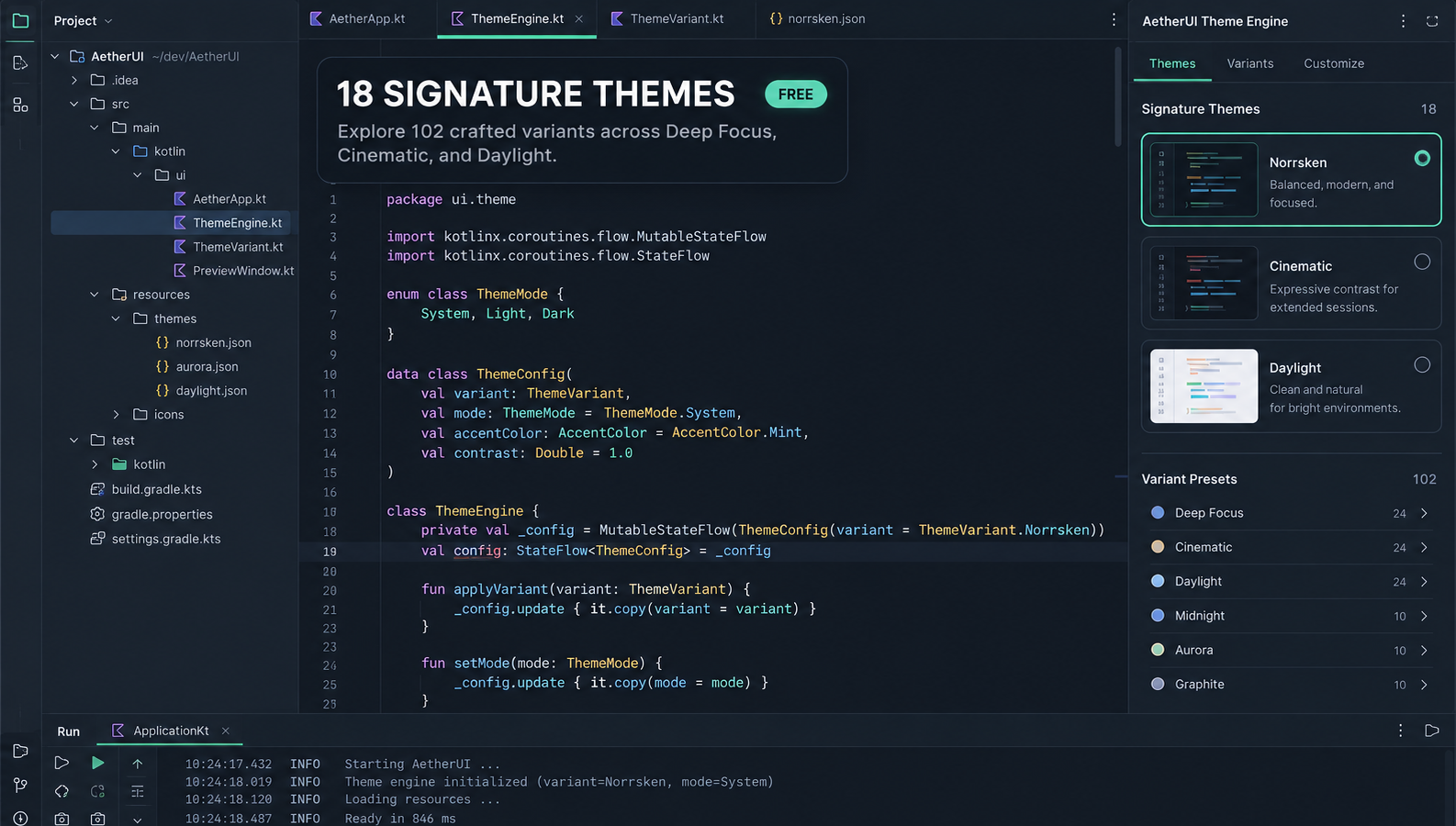
AetherUI Theme Engine is an OKLCH-driven appearance system for compatible JetBrains IDEs. It provides 18 signature palettes, six contrast variants, coordinated editor schemes, workspace layouts, accents, and optional context-aware Pro behavior.
All processing happens inside the IDE. AetherUI does not upload project files, source code, editor contents, or theme preferences to the developer.
Install AetherUI
From JetBrains Marketplace
- Open Settings → Plugins → Marketplace.
- Search for AetherUI Theme Engine.
- Select Install.
- Restart the IDE if requested.
From a downloaded ZIP
- Open Settings → Plugins.
- Select the gear menu.
- Choose Install Plugin from Disk.
- Select the AetherUI installable ZIP without extracting it.
- Restart the IDE if requested.
Open AetherUI Studio
Select AetherUI Studio from the IDE toolbar or action search. The compact controller contains the following groups:
- Mood family: Deep Focus, Cinematic, or Daylight.
- Palette: one of the 18 included palettes.
- Contrast: Soft, Standard, Crisp, CVD Safe, Ultra, or OLED Pitch.
- Layout: Islands, Unified Flat, Legacy Split, or Zen Minimal.
- Accent: Theme Default, Cyber Blue, or a Pro accent.
- Progress: native JetBrains progress or a Pro animated style.
- Review clarity: manual or automatic review-focused presentation.
- Reduce motion: minimizes AetherUI animation.
Changes are applied to the current workspace. AetherUI restores the UI values it owns when those overrides are no longer active.
Theme catalog
AetherUI includes 18 static palettes organized into three mood families:
Deep Focus
Norrsken, Mork, Obsidian, Abyssal, Sequoia, and Espresso.
Cinematic
Cyberpunk, Midnight Metro, Reynisfjara, Etna, Vienna, and Cosmos.
Daylight
Dagr, Sakura, Everest, Amber Paper, Salda, and Autumn.
The distribution contains 102 generated themes and 204 coordinated editor schemes. Static palettes remain available in the Free edition.
Free features
- All 18 static palettes
- Soft, Standard, Crisp, and CVD Safe contrast
- Islands and Unified Flat layouts
- Theme Default and Cyber Blue accents
- Native JetBrains progress indicators
- Manual review clarity
- Reduce Motion
Accessibility features are not paywalled.
Pro features
- Ultra and OLED Pitch contrast
- Legacy Split and Zen Minimal layouts
- Neon Pink, Emerald Teal, Amber Gold, and Royal Violet accents
- Aurora Drift, Cyber Scanline, and Minimal Precision progress styles
- Automatic diff and review clarity
- Debug-session status-bar emphasis
Pro access is controlled by the entitlement supplied through JetBrains Marketplace. If a trial or subscription ends, AetherUI returns to an effective Free configuration without deleting saved Pro preferences.
Accessibility
CVD Safe
CVD Safe remaps semantic colors to improve differentiation. Review views also retain familiar diff markers and IDE structure so meaning does not depend on color alone.
Reduce Motion
Enable Reduce motion in AetherUI Studio to suppress AetherUI animation. The plugin also respects the IDE’s Power Save behavior.
Manual review clarity
Use Review clarity now to apply review-focused editor semantics manually. This control is available in the Free edition.
Troubleshooting
A Pro selection returns to a Free option
The IDE did not report a valid AetherUI Pro entitlement. Confirm that the correct JetBrains Account is signed in, the trial or subscription is active, and the IDE can reach JetBrains licensing services.
A theme does not appear
Restart the IDE after installation, then check Settings → Appearance & Behavior → Appearance. Confirm that the installed plugin version supports your IDE build.
Motion is not visible
Animated progress styles require Pro. They are suppressed when Reduce Motion or Power Save behavior is active.
Another plugin changes the same UI colors
Temporarily disable the other appearance plugin and restart the IDE. Running multiple theme or UI-override plugins can produce conflicting results.
Privacy and licensing
AetherUI does not require developer-operated telemetry or cloud storage. JetBrains may process Marketplace account, purchase, trial, and entitlement information under JetBrains’ own terms.
Use of AetherUI is governed by the AetherUI Developer EULA displayed through JetBrains Marketplace.
Get help
When requesting support, include your operating system, IDE product and build number, AetherUI version, selected palette and contrast, and reproducible steps. Never publish licence keys, confirmation stamps, project source code, or other secrets.